
After a major storm damages your home or business, you’ve likely filed for FEMA disaster assistance application status updates while simultaneously dealing with roof repairs, insurance paperwork, and the stress of getting life back to normal. The waiting period between submitting your application and receiving a decision can feel endless, especially when you’re not sure where to look for updates or who to call.
At Sunflowers Energy LLC, we work alongside homeowners and business owners recovering from storm damage every day. We handle the roofing and solar side of the restoration process, and we know firsthand how critical it is to stay on top of your FEMA application while coordinating repairs. That’s why we put this guide together, to give you clear, actionable steps for tracking your application.
Below, you’ll find every method available to check your FEMA application status, from the online portal and mobile app to phone support and in-person options. Whether you’re waiting on an initial decision or following up after an appeal, this guide walks you through exactly what to do at each step.
What you need before you check your status
Before you look up your FEMA disaster assistance application status, gather a few key pieces of information. Having everything ready in advance saves you time and prevents getting locked out of the portal or put on hold during a phone call.
Your FEMA registration number
When you completed your initial application, FEMA assigned you a unique registration number. This is your primary identifier throughout the entire process, and you’ll need it for every method covered in this guide. Check the confirmation email or letter FEMA sent you after you first applied. That document contains your registration number at the top, typically formatted as a nine-digit code.
If you can’t locate your registration number, call FEMA’s helpline at 1-800-621-3362 and a representative can pull your case using your name and address.
Your personal account information
Whether you check online or by phone, you’ll need to verify your identity. For the DisasterAssistance.gov portal, that means your username and password. If you registered without creating an account, you can still check status using your Social Security number, date of birth, and ZIP code tied to your application. Keep those details on hand before you start.
A quick checklist before you begin
Running through this list before you check your fema disaster assistance application status makes the process much smoother:
- FEMA registration number (9 digits)
- The email address you used during registration
- Your date of birth and last four digits of your Social Security number
- The ZIP code of the damaged property
- Login credentials for DisasterAssistance.gov (if you created an account)
- A phone nearby, in case the site prompts you for two-step verification
Once you have these ready, you can move through any of the three methods below without interruption.
Step 1. Check your status at DisasterAssistance.gov
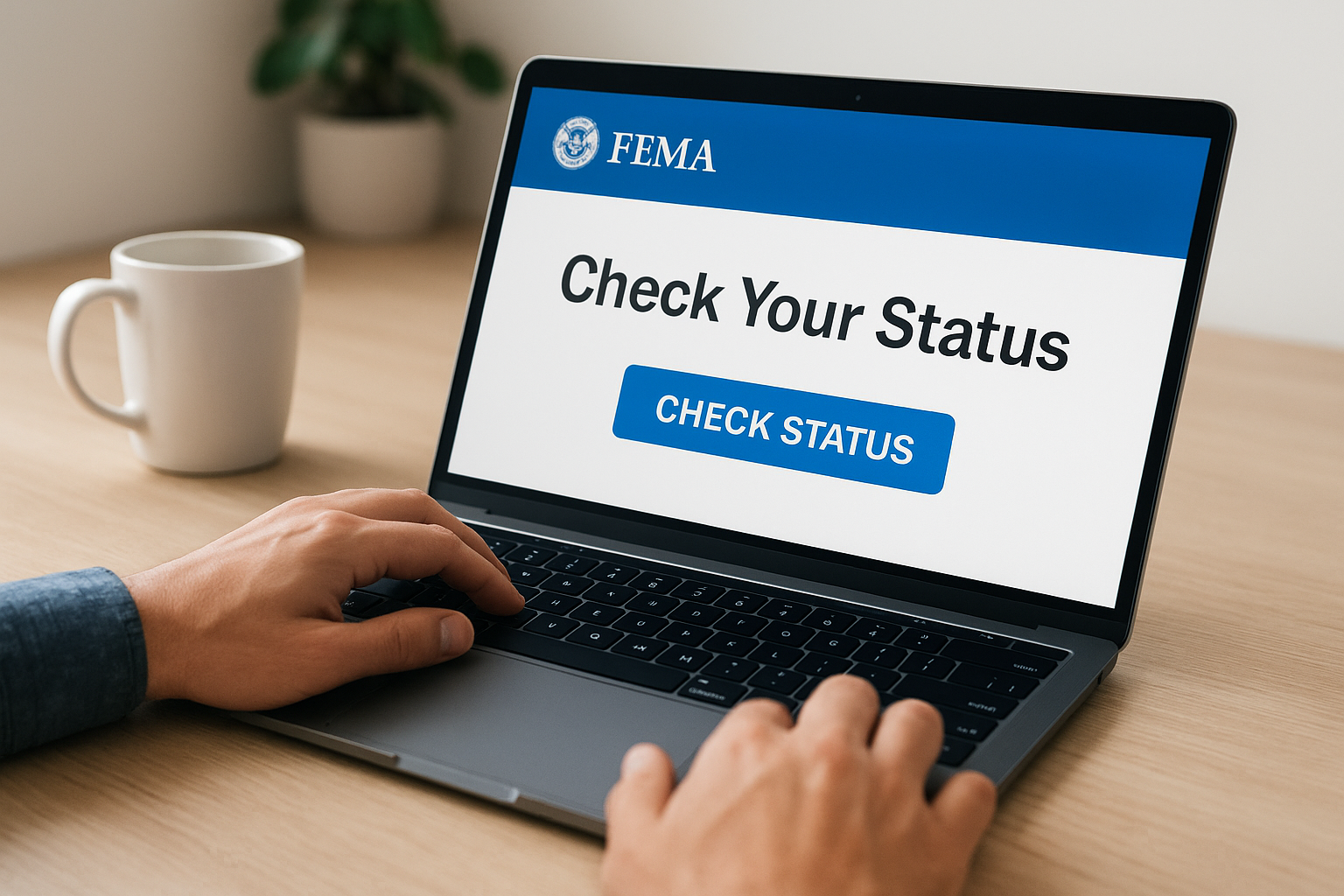
The official online portal is the fastest way to check your fema disaster assistance application status without waiting on hold. Head to DisasterAssistance.gov and log in with the credentials you created during registration.
How to log in and find your application
Once you land on the homepage, click "Check Status" in the main navigation. The site will prompt you to sign in with your username and password. If you didn’t create an account, select the option to continue without one and enter your registration number, Social Security number, and ZIP code instead.
After you log in, your application dashboard loads automatically. Look for the status summary near the top of the page. It will show your current stage, any pending items FEMA needs from you, and the date of your most recent update.
If you see a message saying documents are needed, upload them directly through the portal rather than mailing them, as this speeds up your case review significantly.
Follow these steps in order:
- Go to DisasterAssistance.gov
- Click "Check Status"
- Log in or verify your identity without an account
- Review your application summary
- Upload any requested documents immediately
Step 2. Check status in the FEMA app
The FEMA mobile app gives you another fast way to track your fema disaster assistance application status without opening a browser. Download it free from the Apple App Store or Google Play on your smartphone or tablet.
How to log in and view your application
Open the app and sign in with the same username and password you set up on DisasterAssistance.gov. Your application summary displays immediately after login, showing your current status and any outstanding items FEMA still needs from you.
Turn on push notifications in the app so you receive an alert the moment your status changes, rather than checking manually each day.
Follow these steps to reach your status screen:
- Download and open the FEMA app
- Tap "Disaster Resources" on the home screen
- Select "Check Application Status"
- Sign in or verify your identity
- Review your application summary
What you can do inside the app
Beyond checking your status, the app lets you upload supporting documents directly from your phone’s camera or photo library. You can also update your contact details, such as your current phone number or mailing address, if anything has changed since you first applied.
Step 3. Check status by phone or in person
If you can’t access the internet or prefer to speak with someone directly, FEMA offers two offline ways to track your fema disaster assistance application status without logging into any portal.
Call FEMA’s helpline
Call 1-800-621-3362 to reach FEMA’s National Processing Service Center. Representatives are available seven days a week, and the line supports multiple languages through live interpreters. Have your registration number and the ZIP code of the damaged property ready before you dial.
Expect longer wait times immediately after a disaster declaration, so call early in the morning to reach an agent faster.
Use this quick reference when you call:
- FEMA helpline: 1-800-621-3362
- TTY line for hearing impaired: 1-800-462-7585
- Hours: 7 a.m. to 11 p.m. ET, seven days a week
Visit a Disaster Recovery Center
FEMA sets up Disaster Recovery Centers (DRCs) near affected areas after major disasters. At a DRC, a FEMA specialist can pull up your case, explain your current status, and help you submit any outstanding documents on the spot. Find your nearest location at DisasterAssistance.gov under the "Find a Disaster Recovery Center" option.
What your status means and what to do next
Once you log in and pull up your fema disaster assistance application status, the label you see isn’t always self-explanatory. Knowing what each status means helps you take the right action immediately rather than waiting on a decision that may already require your response.
Common status messages and what they mean
Your application dashboard typically shows one of several standard statuses. Each one points to a specific next step on your end.
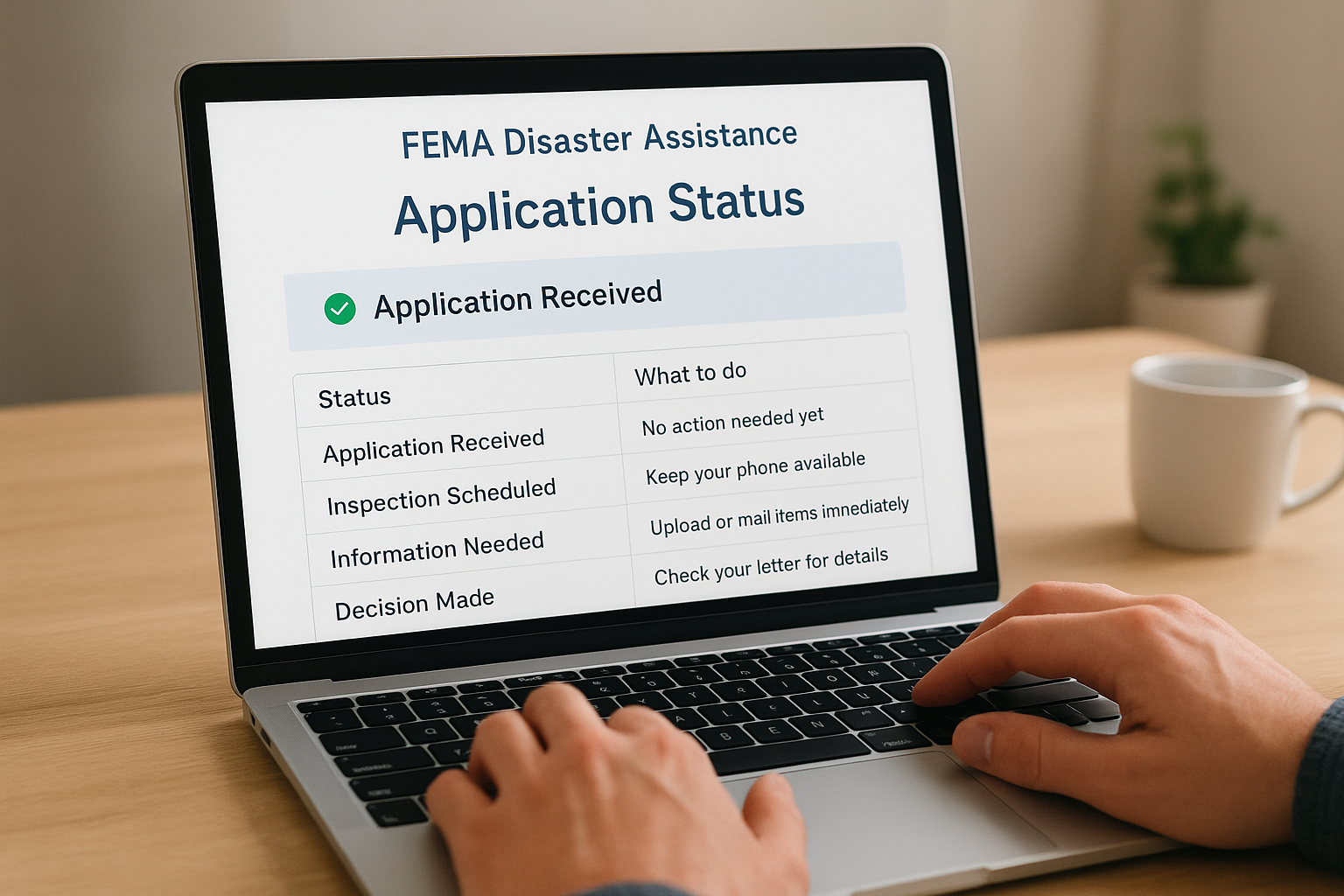
| Status | What it means | What to do |
|---|---|---|
| Application Received | FEMA logged your submission | No action needed yet |
| Inspection Scheduled | A FEMA inspector will contact you | Keep your phone available |
| Information Needed | FEMA requires additional documents | Upload or mail items immediately |
| Decision Made | FEMA approved or denied your request | Check your letter for details |
| Appeal Filed | Your appeal is under review | Wait for a written response |
If your application is denied
A denial is not necessarily final. You have 60 days from the date on your decision letter to submit a written appeal. Send your appeal to the address listed in that letter and include any supporting documentation that addresses the specific reason FEMA cited for the denial.
Keep a copy of every document you submit, along with the date you sent it, in case you need to reference it later.
Next steps
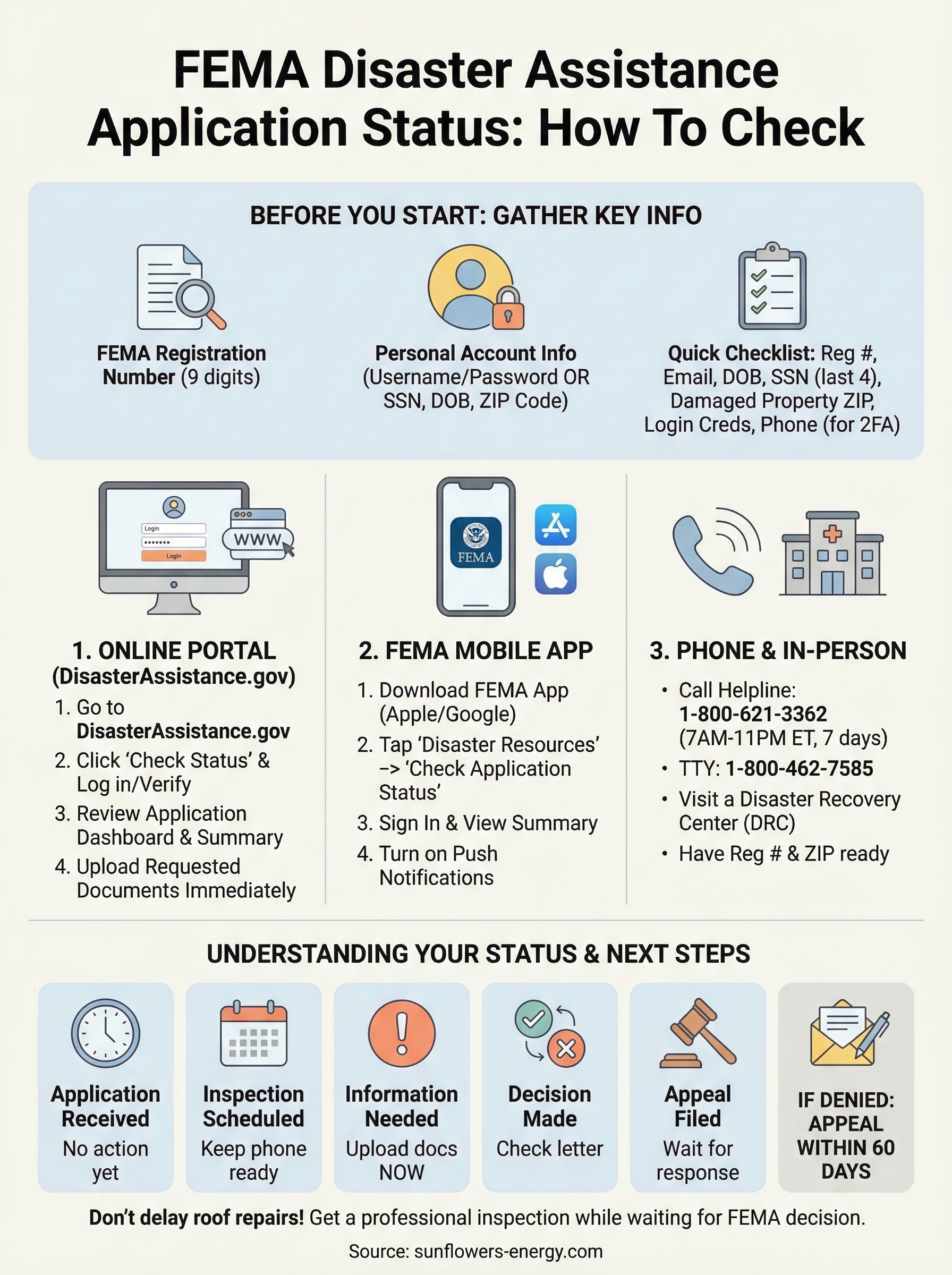
You now have everything you need to track your fema disaster assistance application status through every available channel, whether that’s the online portal, the mobile app, a phone call, or a visit to a Disaster Recovery Center. The key is to act quickly whenever your status changes, especially if FEMA flags outstanding documents or issues a denial you want to appeal.
While you wait for your FEMA decision, don’t put roof repairs on hold. Temporary damage can worsen fast, and delaying repairs often leads to higher costs and additional insurance complications down the line. Getting a professional assessment early gives you accurate documentation to support your FEMA claim and your insurance filing simultaneously.
If a storm damaged your roof or you’re ready to add solar to reduce future energy costs, get a free roof and solar inspection from Sunflowers Energy LLC. Our team helps you move forward while your FEMA process runs its course.